How to Fix a Bambu Lab Clog: Error HMS_0300_0300_0001_0001
A sudden Bambu Lab clog can completely halt your workshop’s production. When the Automatic Material System (AMS) or the toolhead encounters a feed jam, your printer will instantly pause mid-layer and throw Error HMS_0300_0300_0001_0001, signaling that filament is stuck inside the extruder.
The Quick Answer: To clear a stubborn Bambu Lab clog, heat the hotend to 250°C, cut the filament manually using the toolhead lever, retract the material from the extruder assembly, and perform a cold pull using an Allen key to clear the nozzle cavity.
This step-by-step troubleshooting guide details exactly what causes an internal toolhead jam, how to dislodge stripped plastic from the internal gears, and the permanent modifications you can implement to ensure your machine runs seamlessly without future interruptions.
What Causes a Bambu Lab Clog?
Before tearing into your toolhead, it is vital to identify exactly why your printer jammed. A Bambu Lab clog typically occurs due to one of two structural vulnerabilities: heat creep or brittle biomass filament.
The Mechanics of Heat Creep
Bambu Lab machines print at incredibly high speeds inside enclosed chambers. When printing low-temperature materials like standard PLA inside a fully sealed enclosure on a hot day, the ambient heat inside the toolhead rises.
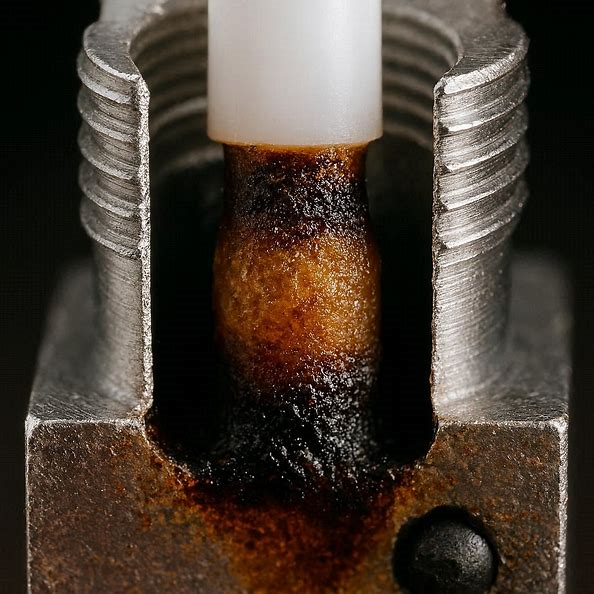
This ambient warmth causes the filament to soften before it ever reaches the heater block. As the dual drive gears attempt to push this softened plastic, the gears strip the material, turning it into a flattened plug that wedges itself inside the extruder assembly.
Brittle and Wet Filament
If your printing materials absorb ambient moisture from the air, they become structurally brittle. When the AMS pushes and pulls this brittle plastic through the tight PTFE guide tubes, the filament can snap directly above the extruder gears, leaving a broken shard trapped inside the internal housing where the sensor cannot reach it.
Step-by-Step Troubleshooting Guide to Clear the Jam
Follow these chronological steps to safely clear your toolhead without damaging the thermistor or the delicate structural wiring harnesses.
Step 1: Execute a Manual Cold Pull
- On your Bambu display screen or via Bambu Studio, heat your hotend to 250°C.
- Push down firmly on the physical filament cutter lever located on the left side of the toolhead to cleanly slice the material.
- Access the rear maintenance panel, disconnect the PTFE tube from the toolhead buffer, and attempt to manually pull the filament upward out of the toolhead.
- If the material is completely wedged, take a small 1.5mm Allen key, heat it with a flame, and push it directly down into the top of the open hotend feed port. Let it cool for 60 seconds, lower the hotend temperature to 90°C, and pull the Allen key upward with a firm, steady motion to yank the hardened plastic plug cleanly out of the nozzle.
Step 2: Disassembling the Extruder Housing
If a cold pull fails to clear the Bambu Lab clog, the plastic has likely wrapped around the drive mechanism, requiring mechanical extraction.
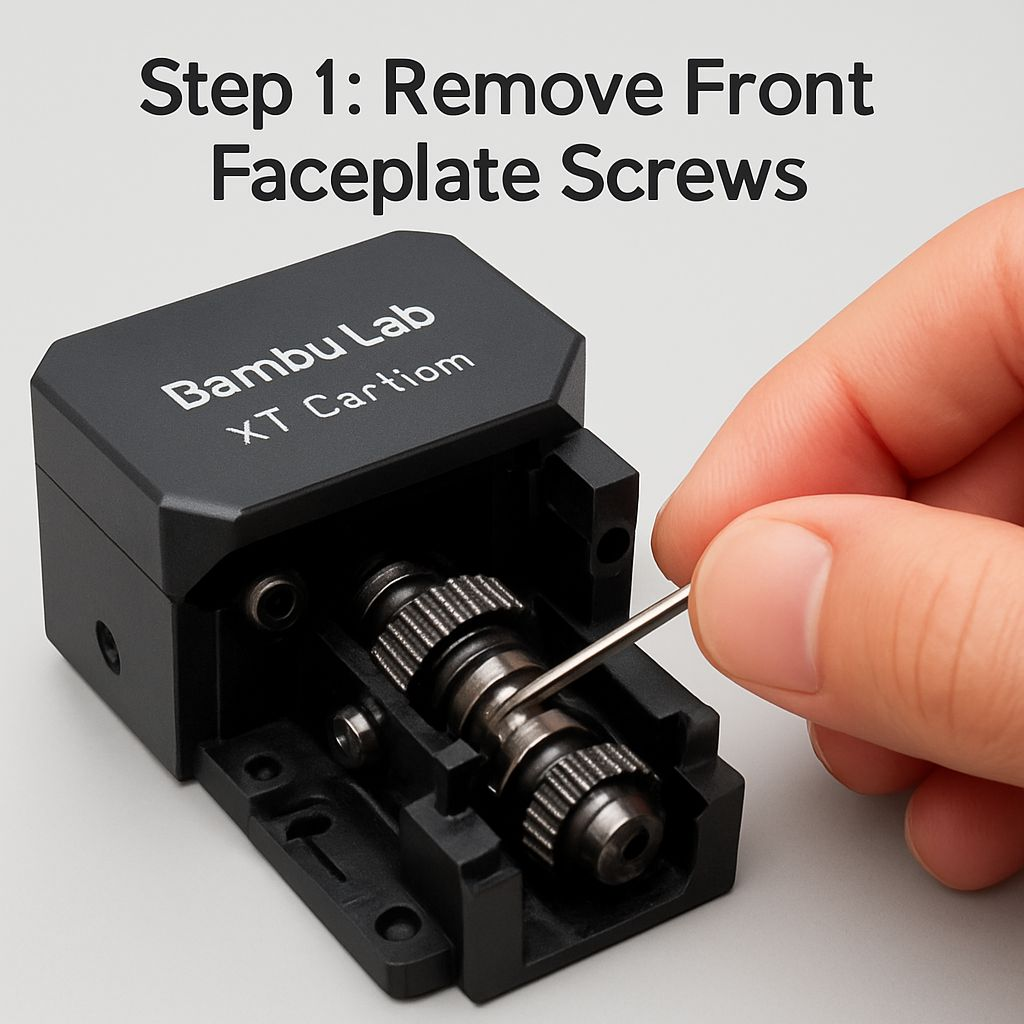
- Power down your machine completely and unplug the main electrical line.
- Unclip the front plastic toolhead cover faceplate and disconnect the cooling fan wire harness.
- Remove the two mounting screws holding the hotend heater block in place, disconnect the ceramic heater and thermistor plugs, and set the hotend aside.
- Remove the three internal screws securing the black extruder assembly to the toolhead frame. Gently pull the extruder module out.
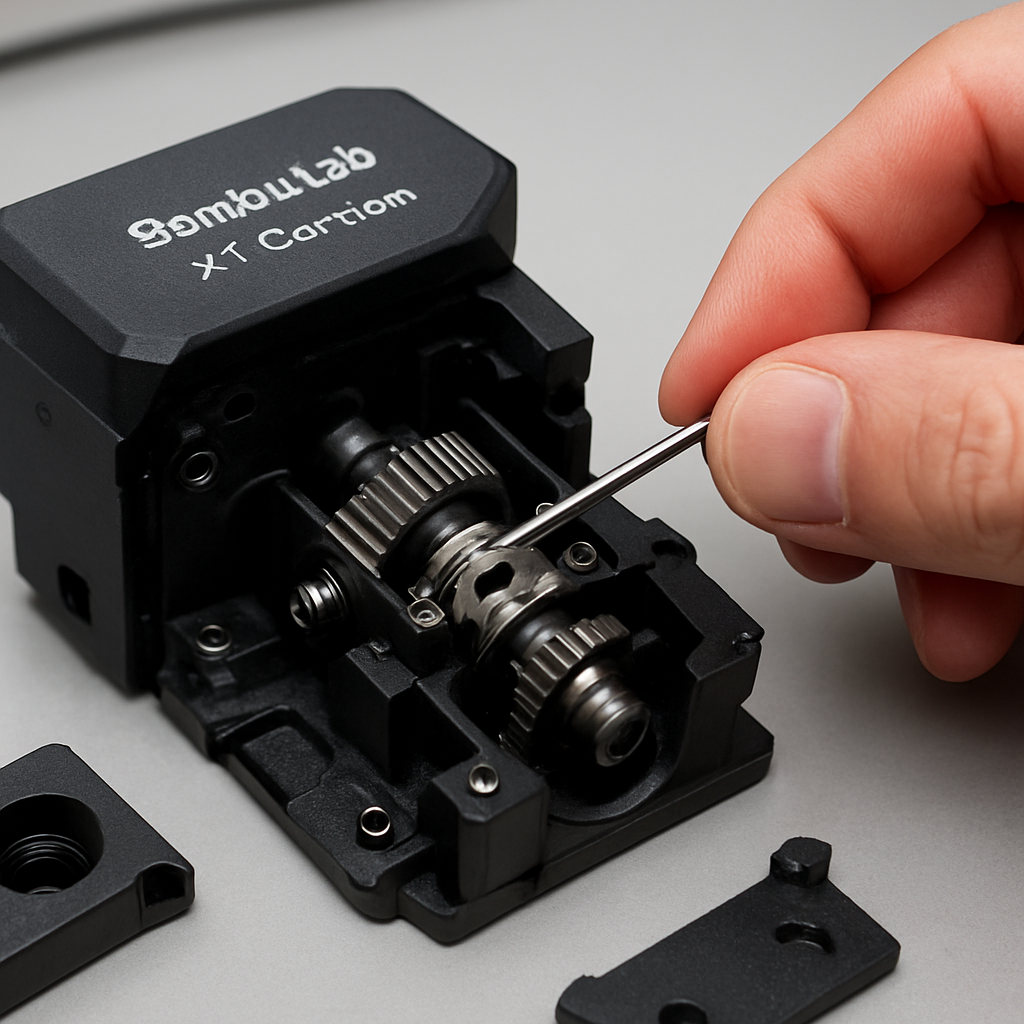
- Open the plastic extruder casing to expose the hardened steel gears. Use a dental pick or a utility knife to pry out any stripped or flattened plastic shards wedged inside the gear teeth.
The Permanent Fix: Preventing Future Toolhead Clogs
To ensure your machine maintains high operational uptime, you should implement preventative structural workflows rather than reacting to repeated system jams.
Control Enclosure Ambient Heat
When printing PLA or PETG materials, never run the machine with a completely sealed canopy. Always prop the top glass lid open by 1 inch or leave the front glass door unlatched. This introduces passive airflow across the toolhead heat sink, dropping internal temperatures enough to prevent heat creep from occurring entirely.
Deploy an Automated Filament Drying System
Brittle, wet filament is the number one catalyst for internal extruder breaks. To solve this permanently, transition your materials out of open air and route them through an active, heated storage unit like the Sunlu S4 or a premium dryer system sourced through certified industrial partners (for comprehensive material testing specs, cross-reference the MatterHackers 3D Printing Material Matrix).
Keeping your materials thoroughly dehydrated preserves their tensile strength, allowing the drive gears to feed filament smoothly through the toolhead without snapping or stripping.