Best Filaments for High Speed 3D Printing: 2026 Tuning Guide
High-speed 3D printing architectures have completely redefined consumer manufacturing, pushing linear print speeds past 600mm/s and accelerations over 20,000mm/s². However, rushing a standard, legacy plastic formulation through a high-volumetric-flow hotend at these extreme speeds inevitably causes severe underextrusion, brittle layer adhesion, and matte surface finishes. Standard plastics simply cannot melt fast enough to maintain the pressure required within the nozzle assembly. To achieve structural integrity and visual perfection, you must select the best filaments for high speed 3D printing and master the precise thermal and volumetric parameters required to tune them within enclosed machine environments.
The Quick Answer: Optimizing High-Speed Extrusion
- Material Selection: True high-speed filaments are formulated with lower-viscosity base resins and specific flow-enhancing additives that melt rapidly and cool rapidly without warping.
- The Golden Metric: Never tune by linear speed (mm/s) alone; always calculate and tune for Maximum Volumetric Flow Rate (mm3/s) using systematic max-flow calibration tests.
- Thermal Control: High-speed printing requires printing at temperatures 15°C to 30°C higher than legacy profiles to compensate for the incredibly short residence time of the plastic inside the melt zone.
Why High-Speed Printing Demands Specialized Formulations
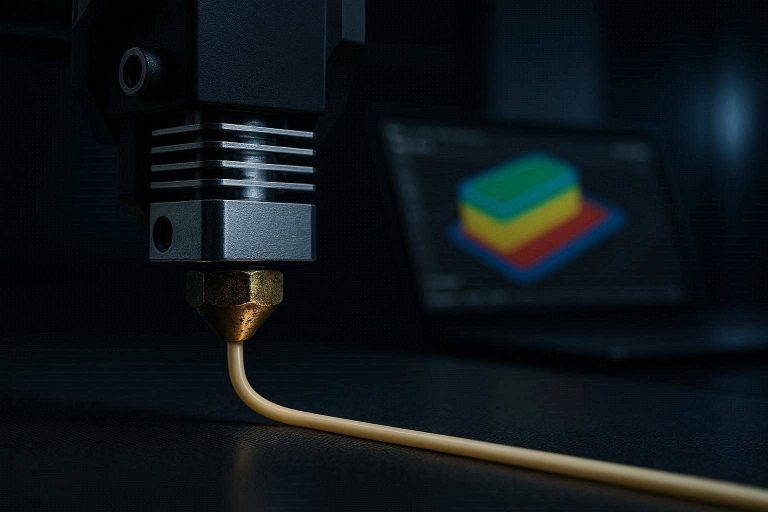
When operating a modern enclosed Core-XY machine, the primary bottleneck to printing faster is no longer mechanical movement; it is the thermal dynamics of the hotend. The material undergoes an incredibly brief transition phase. At 500mm/s, a single millimeter segment of filament spends less than a fraction of a second inside the heater block before being forced out of the nozzle orifice.
Standard, low-cost filaments possess a high molecular weight distribution, resulting in a thick, viscous melt. When forced through a nozzle at high speeds, this high viscosity creates massive backpressure within the extruder assembly. The extruder motor begins skipping steps, grinding the plastic, and leaving rhythmic gaps in your walls.
The best filaments for high speed 3D printing utilize modified polymer chains with a narrower molecular weight distribution and specific chemical additives. These flow modifiers lower the fluid viscosity under shear stress, allowing the liquid plastic to emerge effortlessly. Additionally, these specialized blends incorporate rapid-crystallization agents. The plastic must solidify the microsecond it leaves the nozzle tip to prevent sagging, corner rounding, and fine stringing under the influence of powerful cooling fans.
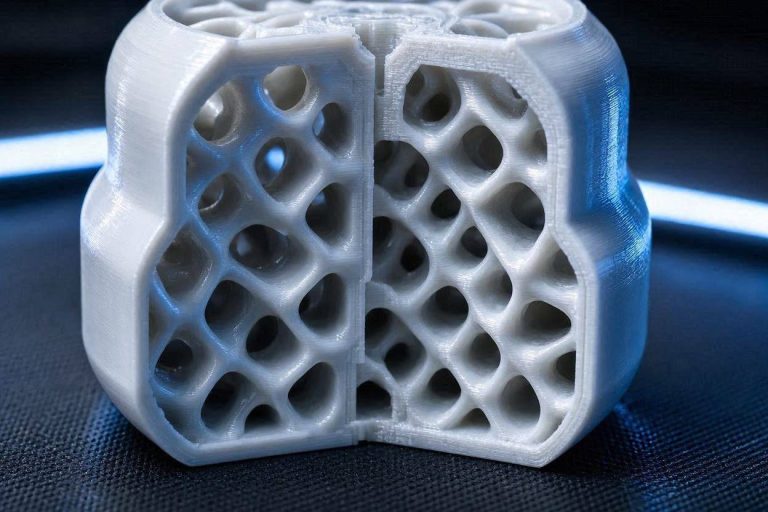
[IMAGE PLACEHOLDER: Microscopic comparison layout showing the cross-section of a standard PLA print versus a high-speed formulated PLA print at 300mm/s. Alt Text: Best filaments for high speed 3D printing structural layer comparison.]
Top Filament Categories for Enclosed High-Speed Printers
Different structural goals require distinct material profiles. When operating within an enclosed printing chamber, managing ambient thermal levels is just as critical as managing nozzle temperatures.
High-Speed PLA (Hyper PLA / HS-PLA)
High-Speed PLA is the baseline standard for rapid prototyping. It behaves beautifully up to 30 Volumetric Flow units. Because it contains advanced eco-friendly fluidizing agents, it retains its gloss and structural color uniformity even when extruded at extreme speeds. It requires minimal chamber heat, making it perfect for rapid mechanical validation runs.
High-Speed PETG (PETG-CF / HS-PETG)
Traditional PETG is notorious for oozing, stringing, and requiring slow print speeds. However, engineered high-speed PETG variants incorporate specialized core-shell modifiers or carbon fiber reinforcement. These reinforcements dramatically stabilize the melt pool, allowing users to print functional, chemically resistant, outdoor-stable parts at speeds previously reserved for basic prototyping materials.
Engineering Grade: High-Speed ABS/ASA
For functional end-use parts requiring intense thermal resilience, high-speed ABS and ASA are the gold standards. Printing these materials successfully at high velocities requires a fully enclosed chamber to trap ambient heat and prevent interlayer splitting. High-speed variants are chemically tuned to reduce the severe shrinkage coefficient typical of styrene plastics, preventing warping on the corners of large prints.
The Core Metric: Testing and Tuning Volumetric Flow
To stop guessing your print settings, you must stop focusing on linear speed and start optimizing your volumetric flow. Volumetric flow represents the true volume of plastic your hotend can reliably melt and push per second, calculated by a fundamental equation:
Volumetric Flow=Layer Height×Line Width×Speed
Step-by-Step Volumetric Flow Calibration
- Slice a Max Flow Test: Utilize a modern slicer to generate a continuous extrusion test geometry, such as a tall hollow cylinder or a specialized flow rate ramp block.
- Configure the Flow Sweep: Set the slicer to gradually scale the volumetric flow rate from a baseline of 5 mm3/s up to an aggressive 35 mm3/s over the height of the print.
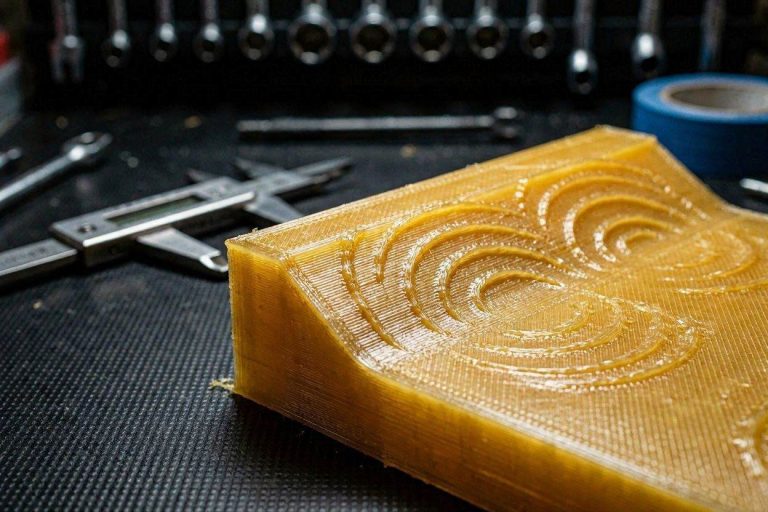
- Inspect the Print Externally: Watch the model change as it prints higher. Note the exact height where the surface texture transitions from a brilliant gloss to a dull, rough matte finish, or where physical under-extrusion gaps emerge.
- Measure and Calculate: Use digital calipers to measure the height of the failure point. Cross-reference this physical height with your slicer values to find your material’s absolute maximum reliable limit.
- Apply the Safety Margin: Deduct a conservative 10% to 15% safety buffer from that maximum limit. Input this final figure into your slicer’s material profile under “Maximum Volumetric Speed.” The slicer will now automatically cap your maximum linear speeds safely, ensuring you never outrun your hotend’s thermal melting capacity.
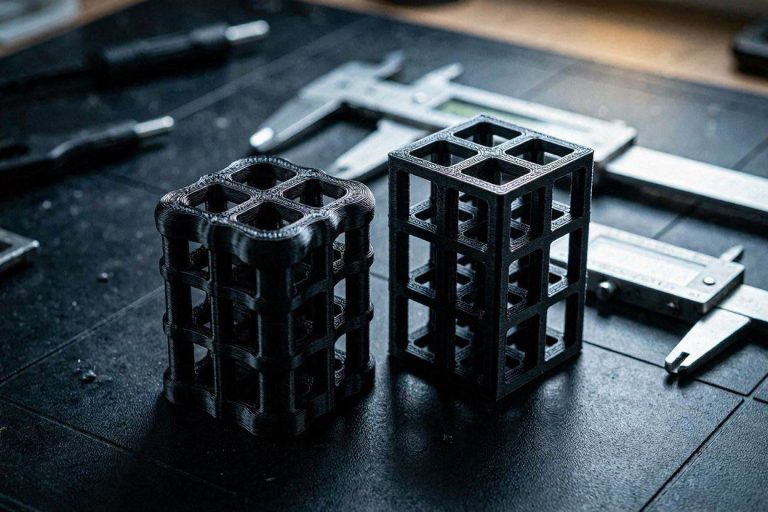
[IMAGE PLACEHOLDER: A physical print sample of a volumetric flow rate tower showing the visual transition from perfect extrusion to severe under-extrusion. Alt Text: Calibration tower identifying the best filaments for high speed 3D printing boundaries.]
Advanced Temperature and Cooling Tuning Matrices
Selecting the best filaments for high speed 3D printing is only half the battle; you must adjust your environmental parameters to accommodate the rapid production cycle.
| Material Type | High-Speed Nozzle Temp | Enclosure Chamber Temp | Aux Cooling Fan Speed | Max Volumetric Limit |
|---|---|---|---|---|
| Hyper PLA | 225°C – 235°C | Vent Open (Room Temp) | 80% – 100% | 24−30 mm3/s |
| High-Speed PETG | 255°C – 265°C | Cracked Open (~35°C) | 40% – 50% | 18−22 mm3/s |
| High-Speed ABS | 265°C – 280°C | Fully Sealed (50°C+) | 10% – 20% | 20−26 mm3/s |
Overcoming the Matte Surface Phenomenon
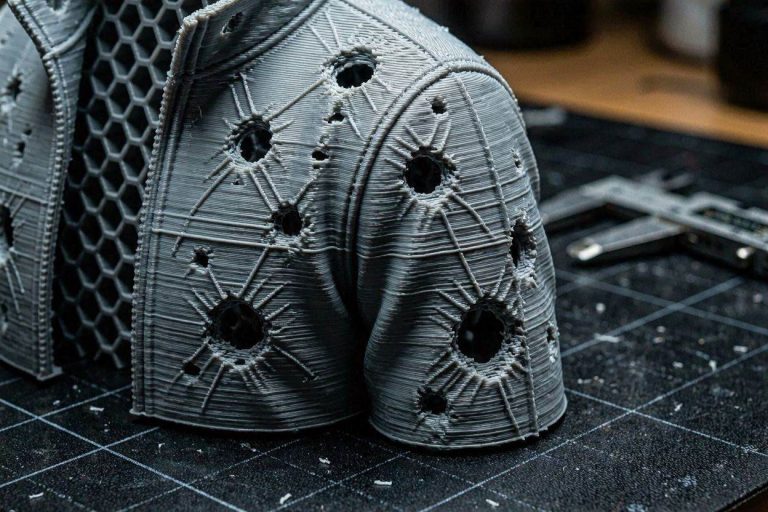
When printing at hyper-velocities, you will quickly notice that sections of your print where the toolhead slows down (such as intricate details or small top layers) look incredibly shiny, while the long, straight walls look flat and matte. This variation occurs because the rapid cooling cycle changes how light reflects off the polymer crystals. To fix this and achieve a completely uniform finish across your entire model, you must increase your hotend temperature by roughly 15°C and slightly reduce your auxiliary cooling fan output on long outer perimeters.
[EXTERNAL LINK: Detailed engineering breakdown of polymer rheology and viscosity charts under high shear stress.]
Premium Hotend Upgrades for Hyper-Velocity Extrusion
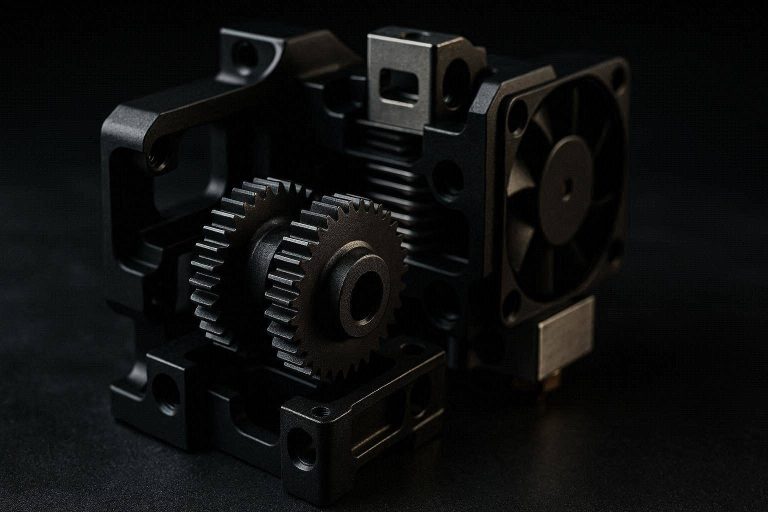
If you have purchased the best filaments for high speed 3D printing but your flow rates are still hitting an unbreakable ceiling around 15 mm3/s, your factory hotend lacks the required melt zone length. Upgrading your physical hardware is the ultimate solution to unlock true high-speed potential.
Upgrading to a high-flow hotend assembly completely transforms the capability of your machine. Look for aftermarket conversions featuring extended ceramic heater cores and uniform internal high-conductivity copper inserts. These specialized configurations dramatically extend the physical distance the filament travels while in direct contact with uniform thermal energy.
By upgrading to an extended melt-zone geometry (such as a multi-hole nozzle insert configuration), you slice the solid core of the incoming filament strand into smaller, highly meltable channels. This hardware optimization immediately doubles your volumetric flow ceiling without requiring you to unsafely overheat your plastics or strain your extruder motors.
[INTERNAL LINK: Comprehensive hardware troubleshooting guide for clearing severe toolhead heat creep clogs.]
Proactive Filament Preservation Checklist
High-speed printing setups are exceptionally sensitive to moisture content hidden inside the raw material matrix. When wet filament enters a high-speed hotend heated to 230°C+, the water pockets instantly expand into high-pressure steam bubbles. This moisture expansion corrupts internal nozzle pressure, causing unpredictable under-extrusion lines and making even the most advanced material fail mid-print.
Implement this custom preservation checklist to protect your materials:
- Bake Your Spools: Always dry high-speed PETG and ABS variants in a dedicated filament drying oven for a minimum of 4 to 6 hours before attempting maximum flow rate validation tests.
- Enclosure Dehumidifiers: Mount high-capacity active silica gel dry boxes directly inside or adjacent to your enclosed printer setup to keep the local relative humidity safely below 15%.
- Purge Regularly: Use a specialized high-viscosity cleaning purge filament when swapping between high-temperature engineering plastics and low-temperature PLA blends to fully scrub the internal walls of the nozzle chamber.