Skip to content

3D Error Fix

    3D Error Fix
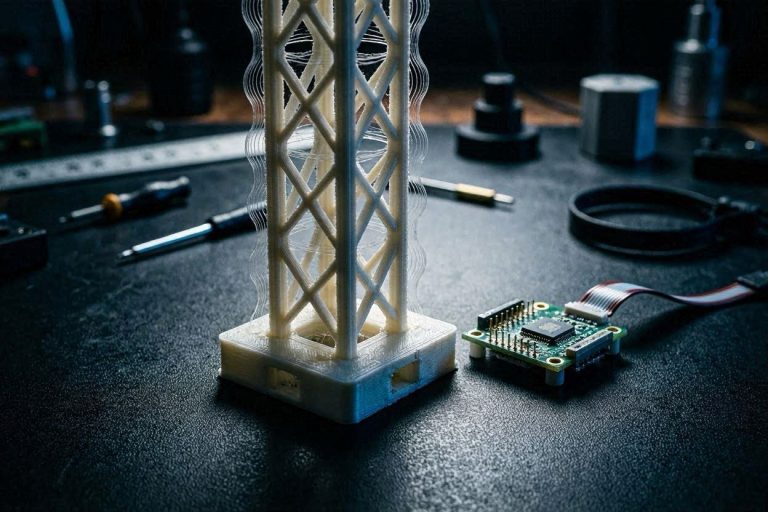
    • A visual representation of a successfully flashed Ender-3 V4.2.2 Sprite Pro CR Touch firmware setup.
      Hardware Upgrades & Repairs | Error Codes & Diagnostics

      The Ultimate Firmware Guide: Ender-3 V4.2.2 + Sprite Pro + CR Touch (Stop the Headaches!)

      Byaichajeral July 6, 2026July 6, 2026

      From an asset management perspective, upgrading your 3D printer is supposed to increase your manufacturing yield. You invested capital into a Creality Sprite Pro direct-drive extruder and a CR Touch leveling probe to transform your original Ender-3 into a high-performance production asset. Instead, your investment is currently sitting paralyzed on your workbench because of a…
      Read More The Ultimate Firmware Guide: Ender-3 V4.2.2 + Sprite Pro + CR Touch (Stop the Headaches!)Continue

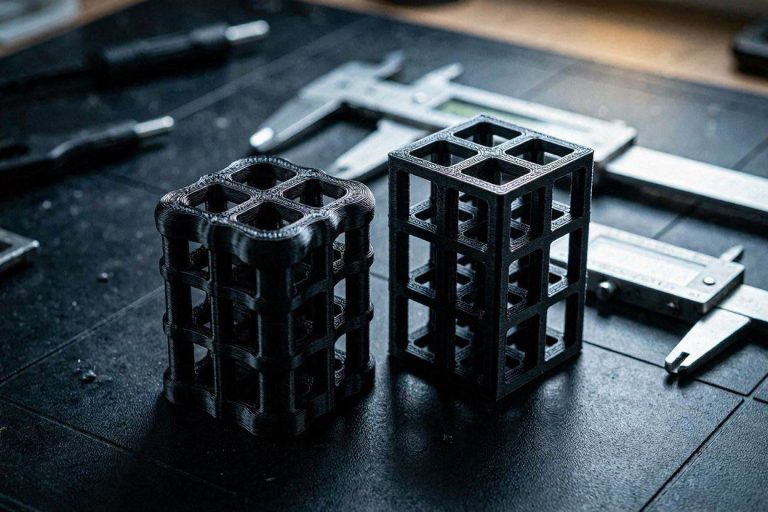
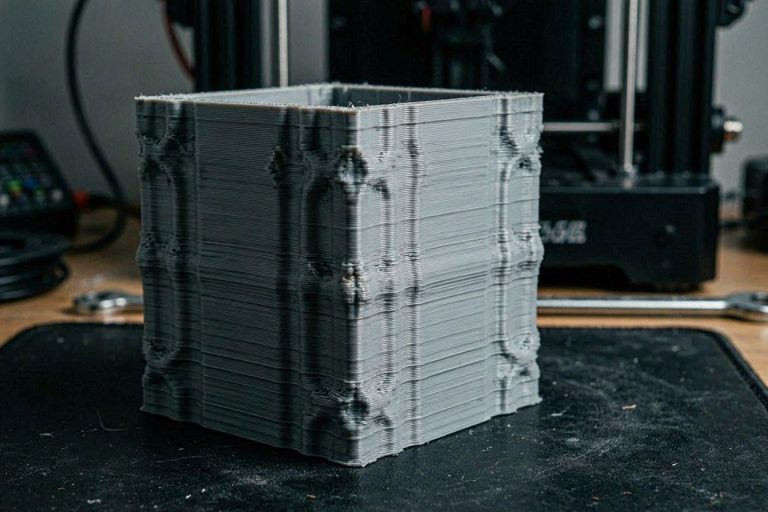
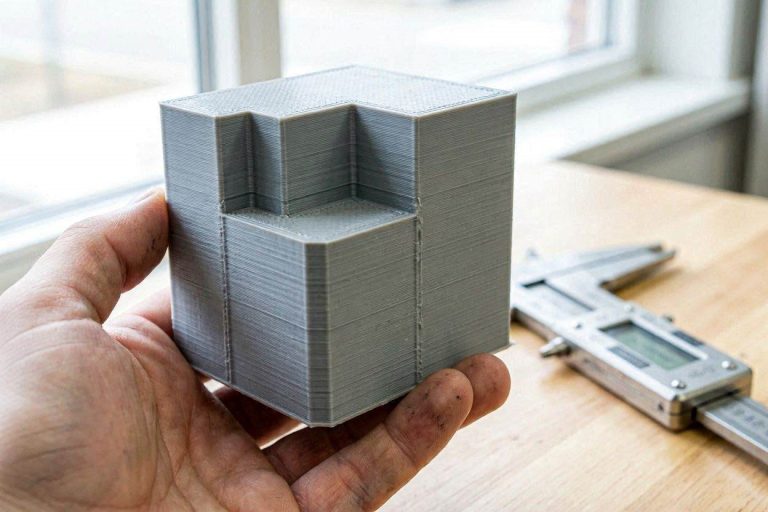
    • A macro view showing the exact horizontal artifacts required to fix 3D print banding.
      Print Quality Fixes

      9 Expert Steps to Fix 3D Print Banding (Z-Wobble & Layer Lines)

      Byaichajeral July 5, 2026July 5, 2026

      Stop chasing slicer settings! Learn how to definitively fix 3D print banding and Z-wobble by diagnosing mechanical resonance, thermal expansion, and Klipper kinematics.

      Read More 9 Expert Steps to Fix 3D Print Banding (Z-Wobble & Layer Lines)Continue

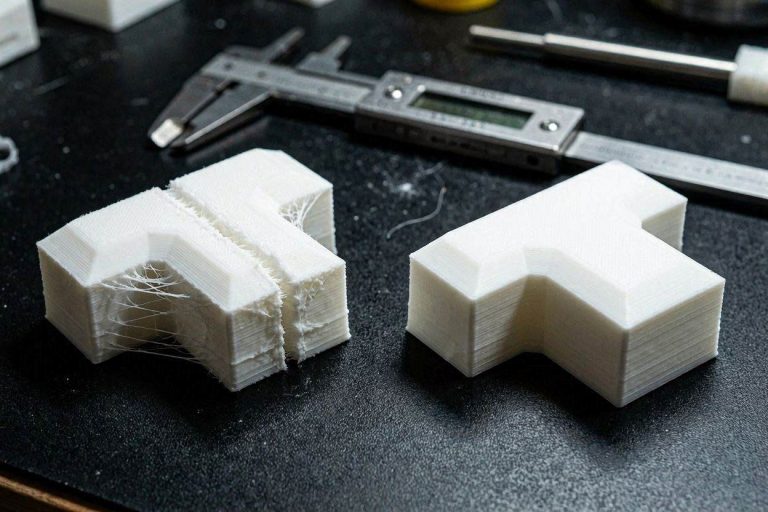
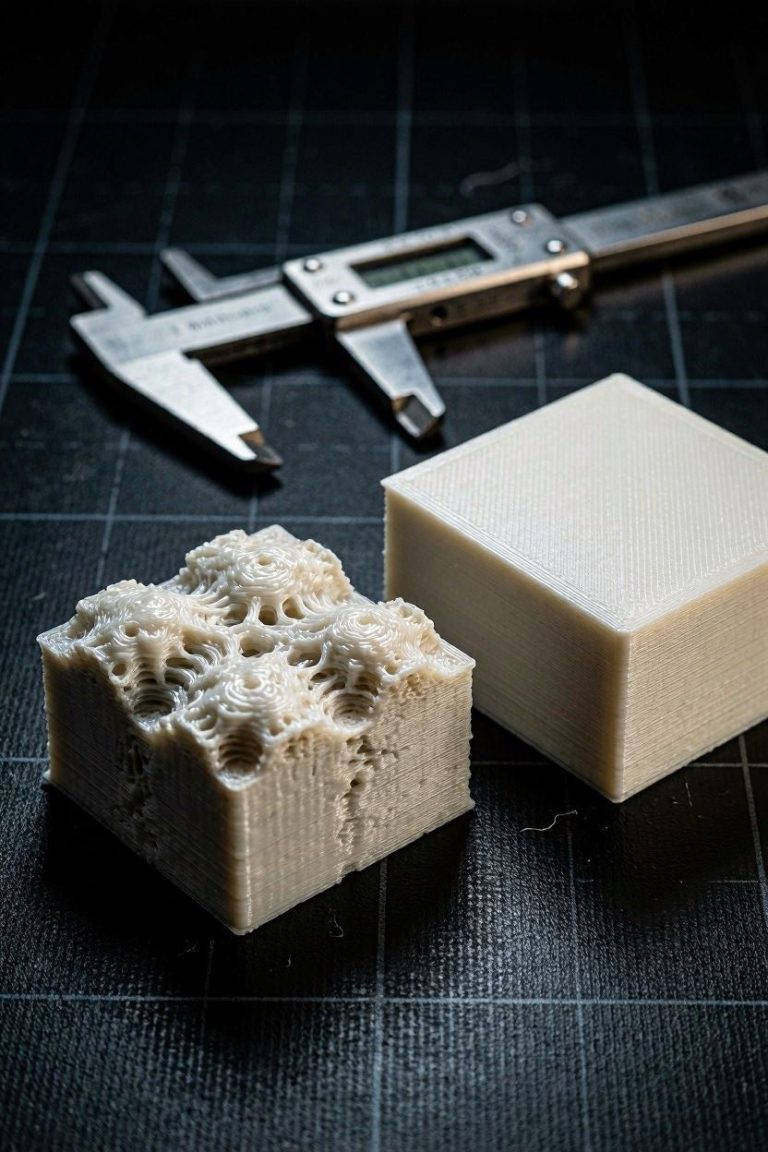
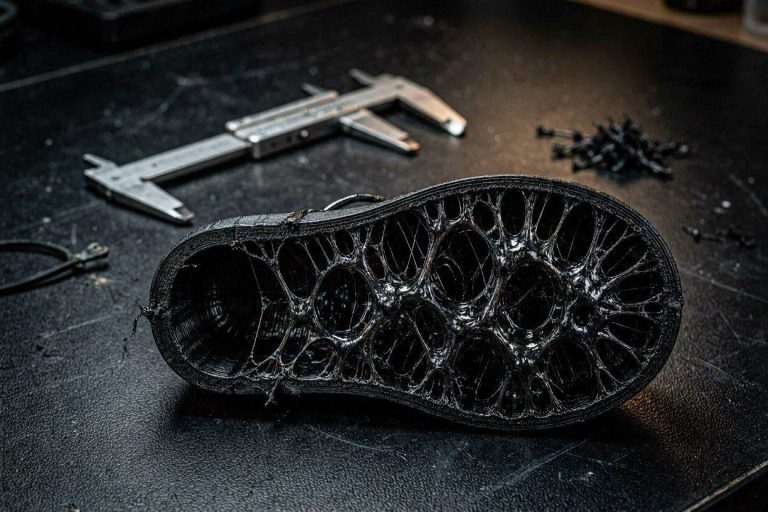
    • A macro cross-section illustrating why you must reduce foaming TPU oozing on complex flexible prints.
      Print Quality Fixes

      7 Proven Ways to Reduce Foaming TPU Oozing (Stop Stringing!)

      Byaichajeral July 4, 2026July 4, 2026

      Stop internal stringing on your 3D printed shoes. Learn how to definitively reduce foaming TPU oozing using advanced slicer kinematics and thermal tuning.

      Read More 7 Proven Ways to Reduce Foaming TPU Oozing (Stop Stringing!)Continue

    • A visual comparison showing why you must calibrate pressure advance for flexible filaments.
      Filament & Material Guides

      How to Calibrate Pressure Advance for Flexible Filaments (TPU Guide)

      Byaichajeral July 3, 2026July 3, 2026

      Printing rigid polymers like PLA or ABS is an exercise in basic thermodynamics. Printing flexible elastomers like TPU or TPE, however, requires a complete paradigm shift in how you manage kinematic asset yields. If you have recently attempted to print a flexible part, you likely noticed that the straight walls look decent, but the 90-degree…

      Read More How to Calibrate Pressure Advance for Flexible Filaments (TPU Guide)Continue

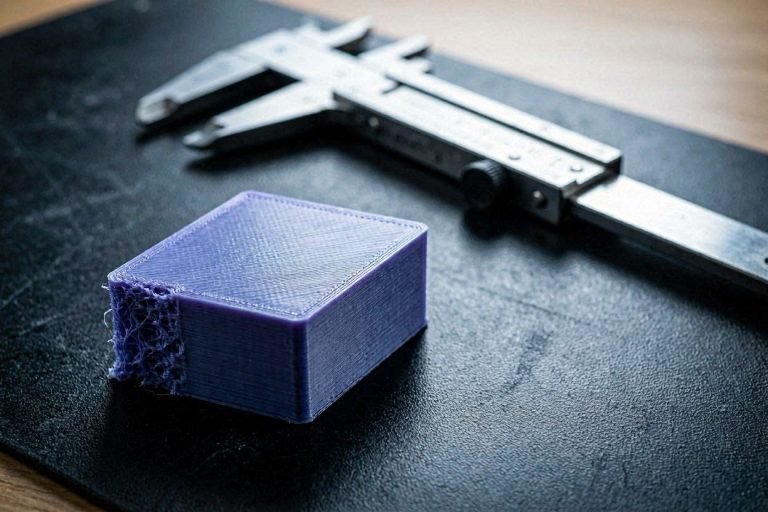
    • A macro comparison showing exactly how to fix Bambu A1 TPU stringing and Z-seam defects.
      Print Quality Fixes

      7 Powerful Ways to Fix Bambu A1 TPU Stringing and Z-Seam Scars

      Byaichajeral July 2, 2026July 2, 2026

      Stop ruining flexible prints with massive oozing and scars. Master these 7 technical settings to fix Bambu A1 TPU stringing and optimize Z-seam kinematics.

      Read More 7 Powerful Ways to Fix Bambu A1 TPU Stringing and Z-Seam ScarsContinue

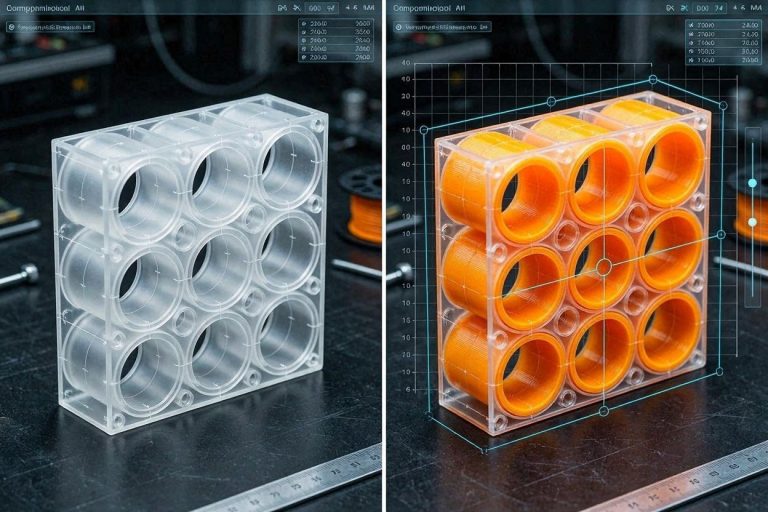
    • A visual comparison showing the Bambu Studio split to objects filling holes error.
      Print Quality Fixes

      How to Fix Bambu Studio Filling Internal Holes (The “Split to Objects” Error)

      Byaichajeral July 1, 2026July 1, 2026

      Are your internal magnet holes turning into solid cylinders? Learn why the Bambu Studio “Split to Objects” feature destroys internal voids and how to fix mesh normals.

      Read More How to Fix Bambu Studio Filling Internal Holes (The “Split to Objects” Error)Continue

    • A macro comparison illustrating the exact mechanical failures fixed by optimizing Snapmaker U1 ironing settings.
      Print Quality Fixes | Error Codes & Diagnostics

      9 Advanced Snapmaker U1 Ironing Settings to Fix Inconsistent Top Layers (Stop Under-Extrusion!)

      Byaichajeral June 30, 2026July 1, 2026

      Stop dealing with scarred, inconsistent top layers. Master the top 9 advanced Snapmaker U1 ironing settings to permanently fix under-extrusion and fading.

      Read More 9 Advanced Snapmaker U1 Ironing Settings to Fix Inconsistent Top Layers (Stop Under-Extrusion!)Continue

    • Comparing ringing defects before and after a successful Ender 3 V3 KE input shaping calibration.
      Print Quality Fixes

      9 Crucial Steps for Ender 3 V3 KE Input Shaping Calibration (Fix Ringing!)

      Byaichajeral June 29, 2026June 29, 2026

      Eliminate ghosting and ringing artifacts! Master our 9-step technical Ender 3 V3 KE input shaping calibration guide to achieve perfect high-speed 3D prints.

      Read More 9 Crucial Steps for Ender 3 V3 KE Input Shaping Calibration (Fix Ringing!)Continue

    • A macro view showing the exact artifacts of Ender 3 V3 KE blobbing and inconsistent layers on a calibration print.
      Print Quality Fixes

      9 Proven Fixes for Ender 3 V3 KE Blobbing and Inconsistent Layers (Stop Failures!)

      Byaichajeral June 28, 2026June 28, 2026

      Stop failed prints instantly. Learn how to fix Ender 3 V3 KE blobbing and inconsistent layers by tuning linear rails, OrcaSlicer, and the Unicorn hotend.

      Read More 9 Proven Fixes for Ender 3 V3 KE Blobbing and Inconsistent Layers (Stop Failures!)Continue

    • A macro comparison showing how to fix 3D print rough top layer defects and achieve a flawless surface.
      Print Quality Fixes

      7 Powerful Steps to Fix 3D Print Rough Top Layer Defects in 2026 (Stop Over-Extrusion!)

      Byaichajeral June 27, 2026June 27, 2026

      Stop wasting filament on scarred, ugly surfaces! Master flow rate calibration and ironing settings to permanently fix 3D print rough top layer defects in 2026.

      Read More 7 Powerful Steps to Fix 3D Print Rough Top Layer Defects in 2026 (Stop Over-Extrusion!)Continue

    Page navigation

    Previous PagePrevious 1 2 3 4 5 Next PageNext

    © 2026 3D Error Fix - WordPress Theme by Kadence WP